NOTE
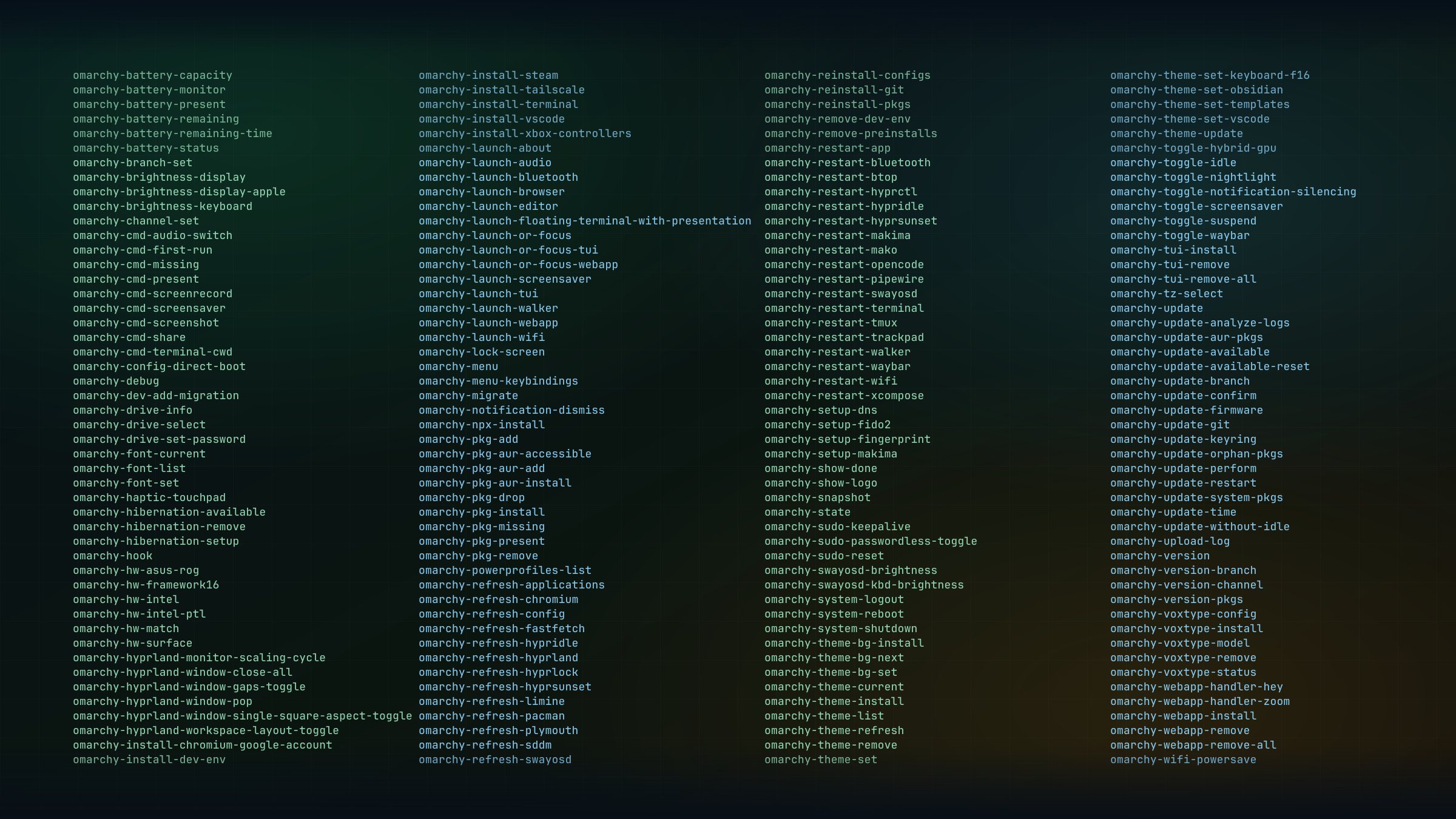
Updated for Omarchy Quattro (4.0.4). The header image shows an older command list; use omarchy commands for your installed version.
The bin directory in the Omarchy repo contains the scripts that power much of the desktop. A big part of Omarchy’s core functionality lives in those small Bash scripts, so understanding how they work is one of the fastest ways to better understand your Linux distribution.
You often hear that to master Linux, you need to get comfortable with the terminal. That’s especially true for a developer-oriented distro like Omarchy. So hit SUPER + ENTER and let’s dive into the bin!
Where’s the bin?
Omarchy’s commands are neatly prefixed with omarchy. To view them all, type omarchy commands. As you’ll quickly notice, there are a lot of them.
If you’re new to the shell, you might wonder where those commands actually live. They are not in your current directory when you run ls. Quattro installs its commands in /usr/bin through system packages. Defaults and other shared files live in /usr/share/omarchy; your personal settings stay in ~/.config. You can find a command with command -v omarchy-launch-browser.
PATH is simply the list of directories your shell searches when you run a command without a full path. To inspect it on your system, run:
echo $PATHNow let’s look at a few of my favourite Omarchy commands.
1. omarchy restart ...
Run omarchy restart --help to see the available restart commands. The CLI documentation explains how help works for groups and individual commands.
If you’re into Linux ricing and fiddle with the desktop shell, omarchy restart shell restarts the bar, menus, and the rest of the shell. For audio trouble, omarchy restart audio restarts the audio services. Quattro replaced Waybar, Hypridle, and Hyprlock, so their old restart commands no longer apply.
For Hyprland Lua edits, use hyprctl reload, then hyprctl configerrors to check for mistakes.
There are plenty of other restart commands depending on your needs. At one point or another, they’ll make your life easier.
2. omarchy-launch-*
Have you taken a look at your ~/.config/hypr/bindings.lua yet? This is where your keyboard shortcuts for launching apps are configured, and it’s worth customising heavily so you almost never need the application launcher (SUPER + SPACE).
For example, after installing Spotify, this overrides its music shortcut:
hl.unbind("SUPER + SHIFT + M")
o.bind("SUPER + SHIFT + M", "Spotify", "omarchy-launch-or-focus spotify")~/.config/hypr/bindings.lua
Here are a few especially useful commands you can call from o.bind in bindings.lua:
| Command | What it does |
|---|---|
omarchy-launch-or-focus | Launch or focus (if an instance is already active) a native app such as Obsidian or Spotify |
omarchy-launch-webapp | Launch a web app from a URL |
omarchy-launch-or-focus-webapp | Launch or focus (if an instance is already active) a web app from a URL |
omarchy-launch-or-focus-tui | Launch a terminal app from the command you pass as an argument |
3. omarchy refresh ...
Have you ever made a small change to your config and wanted to start over? omarchy refresh config copies one shipped configuration back into your home directory. For example:
omarchy refresh config hypr/bindings.luaThat replaces your bindings file, so use it when you actually want to reset that file. If its contents differ, the refresh script keeps a backup named bindings.lua.bak.TIMESTAMP alongside it. Review the backup and restore any customisations you want to keep.
4. omarchy webapp install
Many actions in the Omarchy menu (SUPER + SPACE) call the same commands you can run in a terminal. Once you realize that, the distro starts to feel a lot less mysterious.
omarchy webapp install is a great example. In Omarchy 3.4.0, installing a web app from the menu stopped prompting for a custom icon and started fetching the site’s default one instead. That caused some frustration in this Github issue, but the terminal still gives you the more flexible version:
omarchy webapp install [name] [url] [icon]This is often faster than using the menu, and you can even automate the process with shell scripts so your apps are ready the next time you set up a new machine.
Create your own commands
Once you understand the power of Bash scripts, you can start creating your own commands or safely overriding Omarchy’s. I wrote a whole post about that here.