WARNING
Written for Omarchy 3.x. The Waybar clock and Hyprlock password-prompt instructions in sections 2 and 3 are deprecated for Quattro (4.x), whose shell replaces both components. See the Quattro release notes. The locale-generation and application-language sections remain useful. I’m keeping the original desktop examples here for reference.
If you are a native English speaker, this is probably not for you.
In this post, I want to show how we can sprinkle a little bit of French (or your language of choice) into Omarchy.
You might have noticed that, unlike most modern Linux distributions, Omarchy does not ask you to choose a language during installation. That’s because Omarchy is English only. But as with anything Linux, we can change that.
Most of Omarchy’s strings are located in the Omarchy menu (SUPER + ALT + SPACE). Although we could translate the menu options, there is not much value in doing so and it might make future updates more painful.
Instead, let’s focus on three small areas that spark a little bit of joy.
But first, let’s make sure the locale exists.
1. Olá, mundo!
As explained in the ArchWiki locale page, Arch needs to know which locales it should generate.
Open /etc/locale.gen and uncomment the UTF-8 locale you want to use:
-#pt_BR.UTF-8 UTF-8
+pt_BR.UTF-8 UTF-8/etc/locale.gen
Then generate the locale:
sudo locale-genKeep that locale name handy. We will reuse it in the examples below.
2. Oggi è lunedì!
The first thing I localised when I switched to Omarchy was the day of the week in the Waybar. Although I am perfectly able to understand the date in English, it just feels more natural to read it in French.
They say you always count in your head in your native language. For me, the date is the same.
You only need to add a locale property to the Waybar clock configuration to localise the date:
  "clock": {
    "locale": "it_IT.UTF-8",
    "format": "{:L%A %H:%M}",
    "format-alt": "{:L%d %B W%V %Y}",
    "tooltip": false,
    "on-click-right": "omarchy-launch-floating-terminal-with-presentation omarchy-tz-select"
  },~/.config/waybar/config.jsonc
Don’t forget to restart Waybar afterwards:
omarchy restart waybar3. Was ist das Passwort?
One screen you end up seeing often is the lock screen. You can customise the look of that screen in the ~/.config/hypr/hyprlock.conf file. As with everything Hyprland, there is a comprehensive wiki page detailing all the options.
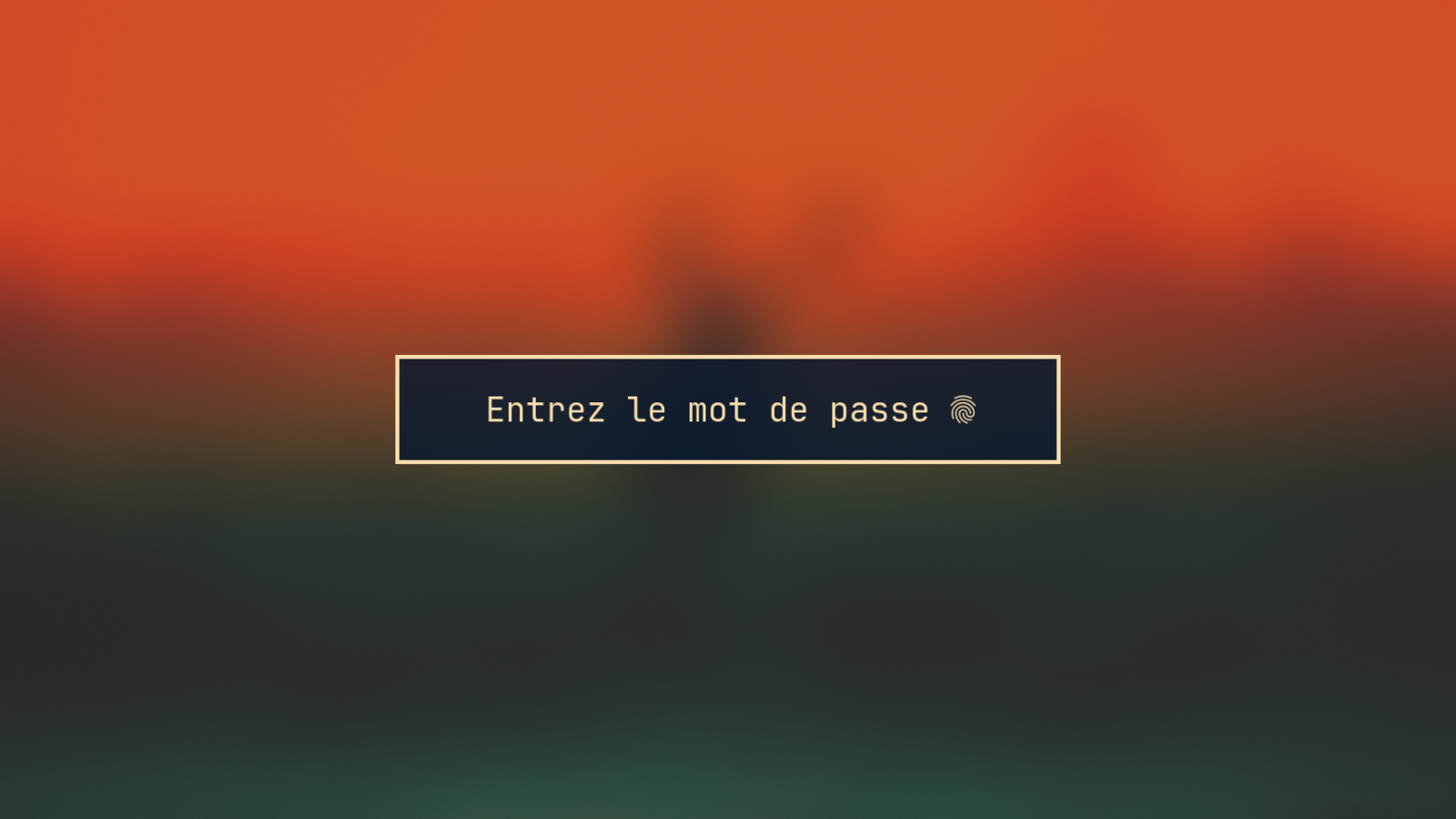
If you only want to translate the default strings, change the placeholder_text and fail_text in the input-field block.
This is a tiny change, but it makes the lock screen feel a little more yours.
4. Zorro de fuego
If you want to go all in on localisation, you might want to change the system language as well.
This informs your applications of your preferred language. Any application that offers a localised version (your browser, for example) can now use it.
You can set it with a simple command:
sudo localectl set-locale LANG=es_MX.UTF-8Restart the system so that applications can pick up the updated locale.
Will Omarchy ever be internationalised?
Omarchy is not a mainstream distro trying to please just about everybody. It’s marketed as an opinionated distribution (omakase!) that ships with everything a modern software developer needs to be productive immediately.
That probably assumes some level of fluency in English.
C’est la vie!