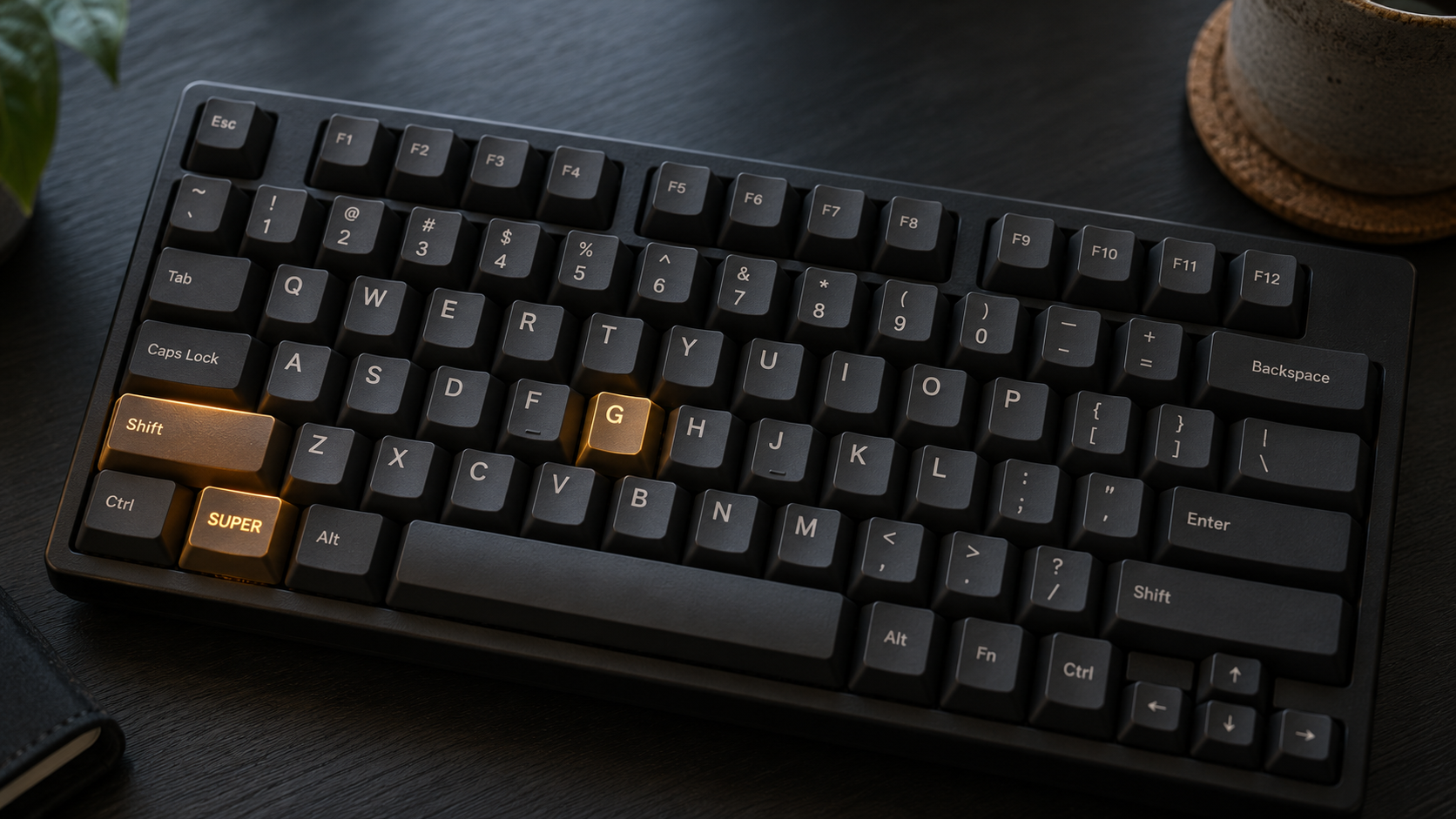
In Omarchy, applications are configured to open with a SUPER + SHIFT shortcut, with ALT added for a related action. For example, SUPER + SHIFT + B opens your browser, while SUPER + SHIFT + ALT + B opens a private window.
We can combine those into one shortcut: tap SUPER + SHIFT + B for your browser, hold it for a private window.
I’ve been using this technique for the past few weeks, and it’s easier on my fingers and muscle memory. I mainly use it to open a plugin with a tap and its related application with a hold. Here are three examples from my setup :
| Shortcut | Short press | Long press |
|---|---|---|
| SUPER + SHIFT + C | Calendar plugin in the bar | Google Calendar webapp |
| SUPER + SHIFT + T | Todoist plugin in the bar | Todoist webapp |
| SUPER + SHIFT + X | X | Compose a post on X |
And since I remapped Caps Lock to SUPER + SHIFT, I only need to hold Caps Lock and tap or hold the application key.
Ask your agent
Your agent can do the configuration for you. Here is a prompt to start with:
Configure SUPER + SHIFT + G in my Omarchy bindings: tap for Signal, hold for WhatsApp, without triggering both. Keep the existing ALT shortcut and launcher behavior. Reload Hyprland and check for errors.
Replace the keys and applications to use another pair. If you want to remove the old ALT shortcut, say so in the prompt.
Configure it yourself
Add this helper to ~/.config/hypr/bindings.lua, then call it for each pair.
local function bind_short_or_long(keys, short_description, short_command, long_description, long_command)
  local long_pressed = false

  o.bind(keys, long_description, function()
    long_pressed = true
    hl.exec_cmd(long_command)
  end, { long_press = true })

  o.bind(keys, short_description, function()
    if not long_pressed then
      hl.exec_cmd(short_command)
    end
    long_pressed = false
  end, { release = true })
end

bind_short_or_long(
  "SUPER + SHIFT + G",
  "Signal", "omarchy-launch-signal",
  "WhatsApp", o.launch_webapp_sole("WhatsApp", "https://web.whatsapp.com/")
)~/.config/hypr/bindings.lua
The short action runs on release, unless the long action already fired. After saving, run hyprctl reload and hyprctl configerrors.