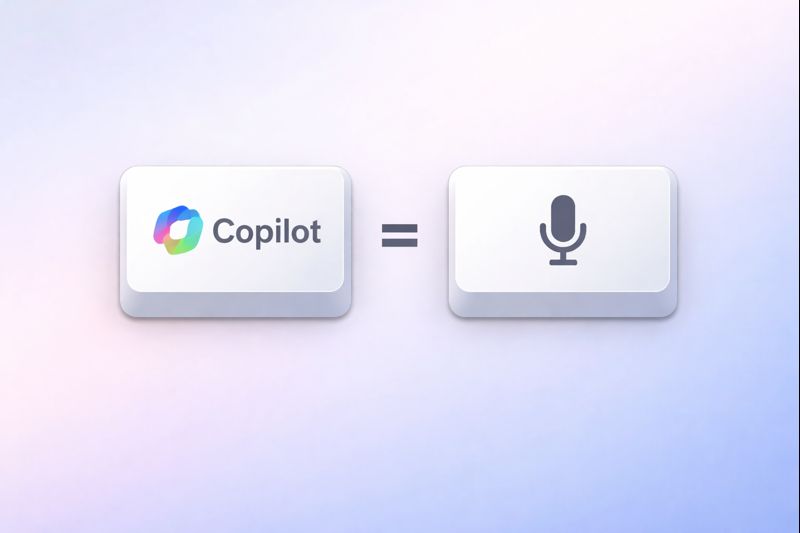
On a bunch of recent laptops, manufacturers replaced the right Ctrl key with a Copilot key that opens Microsoft Copilot on Windows.
On Linux? It’s basically dead weight.
In my last post, I used keyd to remap Caps Lock. Let’s use keyd again, this time to make the Copilot key useful.
The Weird Part: What the Copilot Key Actually Sends
There is no single universal “Copilot key” code. Different laptops send different signals.
On my laptop, the Copilot key doesn’t send a single keycode. It sends:
Left Shift + Left Meta (Super) + F23
If you want to confirm what yours sends under Wayland/Hyprland, run this in a terminal and press the Copilot key:
# Install wev if you don't have it
sudo pacman -S wev
# Run web and press the Copilot key
wev
1. Remap the Copilot Key to F13
We’ll map that awkward combo to F13.
But if you look at your keyboard, the F keys end at 12. There is no F13! And that’s the point. We’re creating a virtual key that we can bind in other programs.
If your keyboard doesn’t have a Copilot key, you can remap the right Ctrl key instead. I remap both keys since I use the laptop keyboard and an external keyboard that doesn’t have a Copilot key.
Add this mapping to /etc/keyd/default.conf (inside the [main] section):
[main]
# Map the Windows Copilot key combo to F13
leftshift+leftmeta+f23 = f13

# If you don't have a Copilot key (or use laptop + external keyboard)
rightcontrol = f13/etc/keyd/default.conf
Reload keyd:
sudo keyd reloadIf pressing the Copilot key still “does nothing”, that’s expected: we created a key we’ll bind next.
2. Bind F13 to Voxtype Dictation
Omarchy ships with Voxtype for dictation. By default, dictation uses an hyprland shortcut (Ctrl + Super + X).
That’s fine, but if you use dictation often, a single key is nicer.
Enable Voxtype’s hotkey and bind it to F13:
[hotkey]
enabled = true
key = "F13"~/.config/voxtype/config.toml
Restart Voxtype:
systemctl --user restart voxtypeNow your Copilot key is a dedicated dictation key.
Thank you Microsoft.