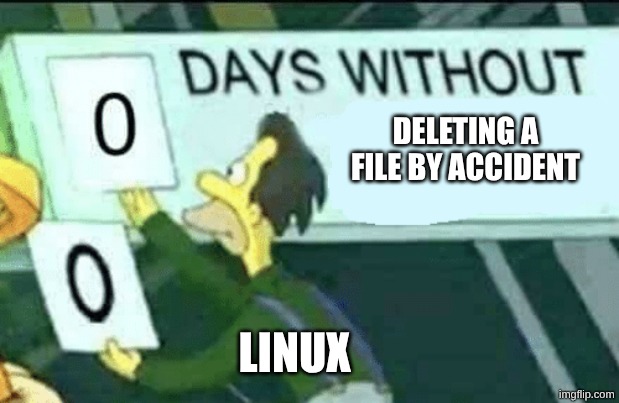
If you come from Windows, the first time you use rm can be a bit of a shock: there’s no Recycle Bin. The file is just… gone.
That’s bad enough for humans, but it’s even scarier now that terminal agents can run commands on your behalf.
Make rm send files to the Trash
On Arch (and Omarchy), you can install trash-cli, which behaves like a command-line recycle bin.
sudo pacman -S trash-cliThen alias rm to trash in your shell config (for bash, that’s ~/.bashrc):
alias rm='trash'~/.bashrcFrom now on, rm some-file sends the file to ~/.local/share/Trash.
That’s the same trash location used by Nautilus, the file explorer in Omarchy.
Permanently delete when you really mean it
Sometimes you do want a permanent delete. In that case, call the real rm command directly:
command rm some_file.docEmpty the trash automatically
The Trash doesn’t empty itself. You can purge items older than N days:
trash-empty 30 # delete files older than 30 daysYou can run that manually, or automate it. On Omarchy Quattro, one simple option is to add it to ~/.config/hypr/autostart.lua:
-- Delete trash older than 30 days when the session starts
o.launch_on_start("trash-empty 30")~/.config/hypr/autostart.lua
NOTE
This runs when your Hyprland session starts, not on a daily schedule. Reloading the configuration does not run it again. Use a systemd user timer if you want daily cleanup regardless of when you log in.
That’s it — safer deletes, and a much smaller chance of a “well… crap” moment.